
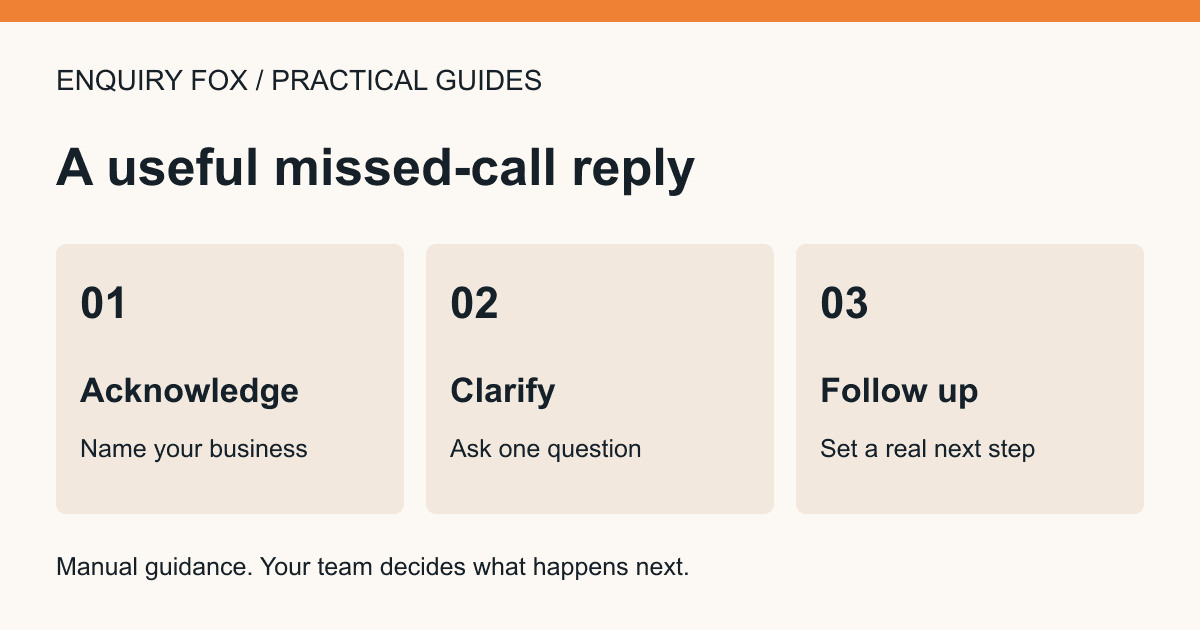
A missed call needs a clear next step, not a long explanation of your software. Tell the customer how to leave the information you need and set a response expectation that matches your actual working arrangements.
These are suggested scripts and a manual log, not automatic Enquiry Fox messages. Replace every bracketed placeholder before use. The worked examples are fictional; no response time or customer outcome is claimed.
Script 1: a voicemail greeting
“You have reached [business name]. We cannot answer right now. Please leave your name, phone number and a short description of the work you want to discuss. You can also describe the request at [short enquiry link]. We review messages [actual staffed hours or arrangement]. We will confirm whether we can help when we respond.”
Keep the spoken link short enough to remember. If your normal number cannot receive texts, do not invite the customer to text it. If messages are not monitored outside business hours, say that accurately rather than offering a callback time you cannot meet.
Use your business’s real service boundaries. Enquiry Fox does not supply an emergency line, route calls or guarantee that a message has been listened to.
Script 2: a short reply to a customer who requested contact
“Hello [name], this is [your name] at [business]. Sorry we missed your call. What work would you like us to discuss, and what is the postcode? If easier, you can send the details and optional photos here: [your active enquiry link]. We will confirm the next step after reviewing your request.”
Send this using your own agreed customer contact route. Do not add unrelated marketing or treat one enquiry as blanket permission for future promotions. Enquiry Fox does not automatically send SMS or customer WhatsApp replies.
When the customer already described the work, acknowledge that instead of asking them to repeat it: “Thanks for the details about the kitchen tap. Is the drip from the spout or around the base?” Offer the link only if it is useful.
Script 3: an email asking for the missing context
Subject: “[Business name] — your enquiry about [service]”
“Hello [name], thank you for contacting [business]. Before we can discuss the next step, could you confirm [one relevant missing detail]? You can reply here, or use [your active enquiry link] if you would prefer to send the request and optional photos together. We have not arranged a visit or agreed a quotation yet. [Your name and genuine business contact details].”
Choose the missing detail based on the actual request. For a cleaning job, the useful question might be which rooms and tasks should be included. For a repair, it might be where the issue is. Avoid sending a generic questionnaire when one answer will do.
A simple callback log you can copy
Use your existing secure work tool. This is a manual worksheet, not a feature claimed to exist in Enquiry Fox. Use a request reference where possible rather than spreading customer information across several logs.
- Received: date, time and the customer’s chosen route.
- Reference: a request identifier or a link to the existing record.
- Owner: the person responsible for responding.
- Next action: call, ask one question, review photos or confirm that the business cannot help.
- Due: the response time you actually agreed or can realistically staff.
- Result: contacted, further information requested or another meaningful outcome.
- Next review: who will check outstanding requests and when.
Worked example: avoid asking for everything twice
Fictional example: a customer leaves a clear request, their number and postcode, but says they are unavailable until after 4pm. The missing action is a callback arrangement, not a new form submission.
Record the request in your normal process, confirm whether the team can call after 4pm, and respond through the customer’s suitable contact route. If that time cannot be met, offer an honest alternative.
A different customer leaves only “please call”. Here a short reply asking which service they need is useful. The enquiry link can follow if there are several details to collect. It should help the customer, not become a gate before anyone will speak to them.
Use the active link and check the inbox
Share the live link for your own activated business, not the visual demonstration or an unactivated preview. Test the route as part of your business setup and check that an accepted request appears in the correct inbox.
Email alerts can help flag saved enquiries, but provider acceptance is not proof that an email was read or delivered to the intended mailbox. Review the inbox as part of your staffed routine. An online request is not an agreed booking.
Your team should verify its callback process and real contact routes before adopting these scripts. Change the promises when staffing or availability changes.
Sources and further reading
Enquiry Fox helps service businesses collect enquiries. Assessment, quotations, service delivery and customer arrangements stay with the business.
Explore the enquiry workflowTry the example customer form