
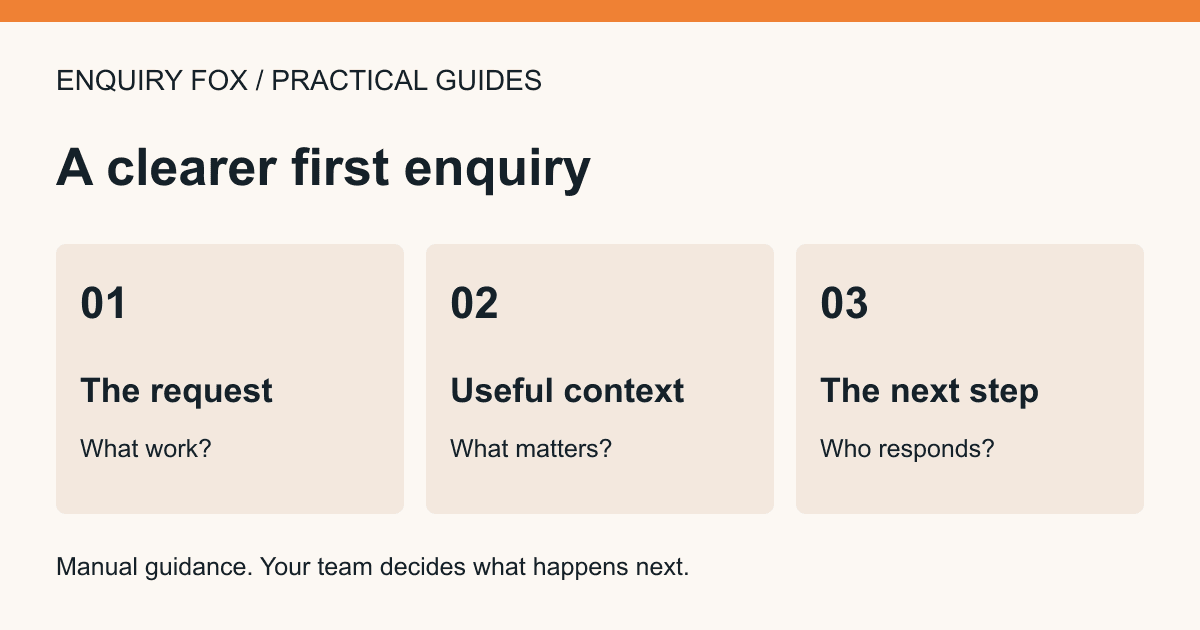
A useful first enquiry tells your team what the customer wants and how to reach them. It does not need to resolve every detail of the job. Start with enough context to decide who should respond and what one question would move the conversation forward.
This is a suggested manual checklist, with fictional worked examples. Adapt it to your actual services and coverage. Enquiry Fox supplies a request form and inbox; the extra operating questions below are not a promise of custom form fields, automatic qualification or quotations.
Copy this first-enquiry checklist
Keep the first request short. Mark additional context optional unless you genuinely need it to respond. Ask detailed assessment questions in the follow-up conversation rather than making every customer complete a long survey.
- Customer: name and a working phone number. Ask for an email address only where useful for the chosen contact route.
- Request: what work would they like discussed? Record their own description rather than assuming a diagnosis.
- Location: a postcode, if supplied, to check whether your business covers the area. Confirm the actual job address later.
- Priority: the customer’s requested urgency. Record it separately from your actual response availability.
- Contact preference: how should the business contact them? Check that the corresponding contact detail is present.
- Useful context: where the issue or work is, when it was noticed, and any access details the customer already knows.
- Photos: optional context from a place the customer can already access safely; an enquiry must still be possible without them.
- Next action: who will review the request, what needs confirming, and when the business can realistically respond.
Worked example: a plumbing repair
Fictional request: “The kitchen tap drips after it is turned off. I first noticed it yesterday. Please call to discuss a repair. Postcode SW1A 1AA. Standard request. No photos.”
This gives an owner enough context to check coverage and start a conversation about the tap. It does not identify the failed part, establish an agreed price or confirm that a particular appointment is available.
A useful follow-up might be: “Thank you. Is this the kitchen mixer tap, and can you describe whether the drip comes from the spout or around the base?” Ask only questions relevant to the business’s actual assessment process. A customer should not dismantle equipment just to complete an enquiry.
Worked example: a cleaning enquiry
Fictional request: “I am looking for a one-off clean of a two-bedroom flat after moving out. Please email first. Postcode MK43 8PB. I would like to discuss availability for next week.”
The next useful question is about the scope of the clean, rather than copying the plumbing follow-up. For example: “Which rooms and tasks should the clean include, and will the flat be empty when we visit?” The business still needs to confirm coverage, availability and what it can quote.
This example illustrates why a request form and a business conversation have different jobs. The first captures the request; the second clarifies details specific to the service.
Repair a vague request with one useful question
“Need someone urgently. Call me” gives little scope. Start by confirming what service the customer needs and whether your business can provide it. Do not interpret an urgency selection as a promise of immediate attendance.
If you already have the customer’s number and a clear request in an existing conversation, avoid demanding the same information again. Ask the missing question directly. Offer the enquiry link when it genuinely helps collect several missing details or optional photos.
If your business cannot respond within the customer’s requested time, say so. The form, confirmation and follow-up should not imply an emergency service or a reserved appointment that the business has not agreed.
Use a four-line handover
Copy this into your existing secure work process. The log is a suggested manual tool, not a new Enquiry Fox notes editor. Avoid duplicating contact details unnecessarily.
- Request reference and service: what the customer is asking about.
- Context confirmed: coverage, location and any relevant scope details already discussed.
- Still to confirm: the one or two questions needed before the next decision.
- Owner and next action: who is handling the response and the realistic next contact time.
Try the checklist against the actual product
The Enquiry Fox demo lets you enter a fictional request, choose contact preference and urgency, optionally add postcode and photos, then review that same request in an example inbox. Nothing is booked or sent to a service business by the visual demo.
A live enquiry requires a name and phone number; optional email, postcode and photos provide additional context. Your team handles conversations, quotes and visits. Check the product workflow and pricing details before deciding whether it fits your process.
Sources and further reading
Enquiry Fox helps service businesses collect enquiries. Assessment, quotations, service delivery and customer arrangements stay with the business.
Explore the enquiry workflowTry the example customer form