
A useful photo answers a specific question. “Please send a photo” often produces a close-up with no sense of location or scale. Explain the context you need and give the customer an easy way to continue without an image.
These are suggested business scripts, with fictional examples. Photos help the first conversation; they do not establish a diagnosis, access conditions, price or confirmed job scope. This guide does not ask customers to inspect equipment or enter unsafe areas.
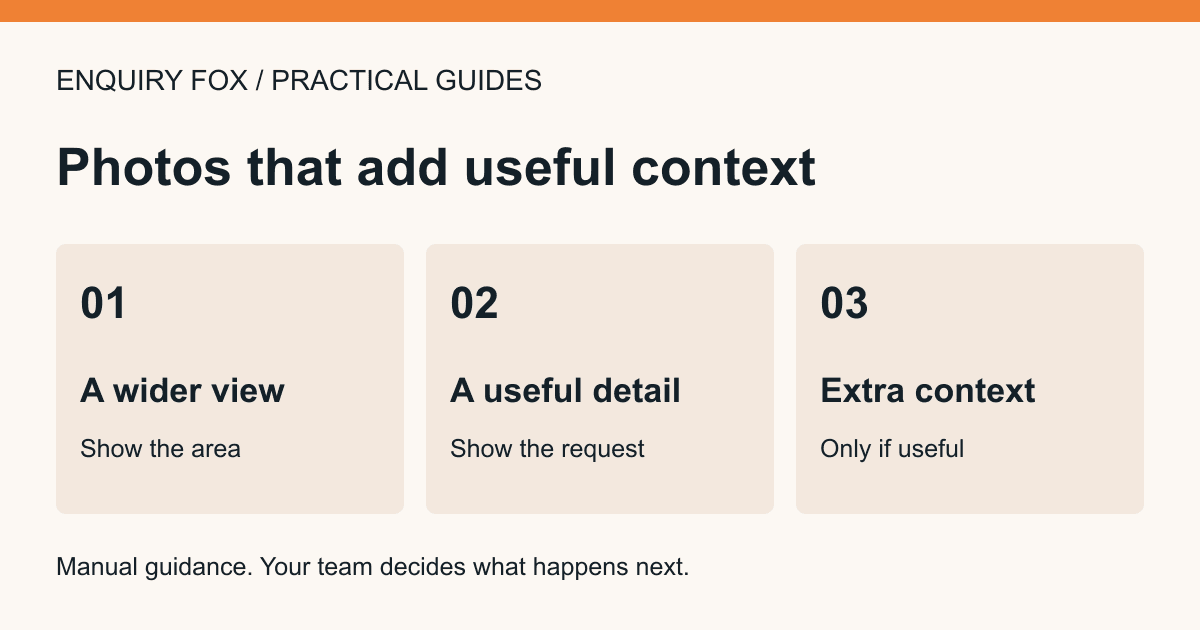
Ask for a wider view first
Suggested message: “If you can take it from somewhere you already access safely, could you send a wider view showing where the work is? Please avoid including people or unrelated personal details. You can describe it in words instead.”
Fictional plumbing example: the whole kitchen tap and sink area gives context that a tightly cropped picture of a droplet lacks. The wider view can help the business ask a better question; it does not prove which component needs replacing.
Fictional cleaning example: a general view of the room can show the area the customer wants discussed. Ask them to describe the tasks too. A picture alone does not define whether appliances, cupboards, windows or other work are included.
Then ask for a close-up that answers one question
Suggested message: “A closer picture of [specific visible detail] may help us understand your description. Please only take it if you can do so safely without moving, opening or dismantling anything. If not, a short written description is fine.”
Do not ask someone to touch electrical equipment, climb for a better angle or remove a cover to complete an enquiry. If a closer view is not safely available, discuss an appropriate professional assessment through your own normal process.
A useful caption might be “drip visible at the end of the spout after turning the tap off”. A less useful caption is “broken tap”, which assumes the conclusion before assessment. Record what the customer observed.
Use a third image only when it adds context
Suggested message: “If there is another view that helps explain the request, you can add it too. There is no need to send several similar photos.”
For example, a different view may clarify the surrounding area or show a visible model label that the customer can already read safely. Avoid inviting the customer to move equipment or include private documents to supply it.
In Enquiry Fox, up to three photos are optional. Each can be up to 3 MiB in JPEG, PNG, WebP or GIF format. The customer can submit without them. This limit is a product constraint, not a recommendation that every enquiry needs three images.
Review the image and the request together
Use this short review list before deciding what to ask next.
- Context: can you tell which part of the request the image relates to?
- Observation: what is actually visible, and what is only an assumption?
- Missing detail: would one written question help more than another photo?
- Scope: does the business still need to confirm location, access, service availability or an assessment?
- Privacy: does the image contain unrelated people, documents or personal information?
- Next step: who will contact the customer, through which suitable route?
Offer a complete text alternative
Suggested message: “Photos are optional. If you cannot send one, tell us where the work is, what you have noticed and what you would like us to discuss. We can ask a follow-up question when we contact you.”
Fictional text-only example: “The kitchen tap drips from the spout after it is turned off. I noticed it yesterday. Please call first.” This remains useful context without any image.
Do not promise that a photo will produce an instant quote. Explain whether your business needs further conversation or a visit before agreeing the scope and price.
Check demo and live photo handling separately
The Enquiry Fox visual demonstration keeps uploaded example photos in the browser. Use fictional or non-sensitive material there. A demo photo appearing in the example inbox is not proof that a production upload or alert has been delivered.
Live customer photos belong with the saved enquiry and are accessed through the authorised business account. Accepted photos have a 90-day retention period, which can shorten after account closure. Follow the current product terms and privacy notice when deciding what information your business needs to keep.
The enquiry page should remain usable without photos. Before sharing the live link, check the text-only route as well as image selection, size feedback and the accepted-enquiry receipt on a real phone.
Sources and further reading
Enquiry Fox helps service businesses collect enquiries. Assessment, quotations, service delivery and customer arrangements stay with the business.
Explore the enquiry workflowTry the example customer form